
- Open a transcribed file and click AI correction.
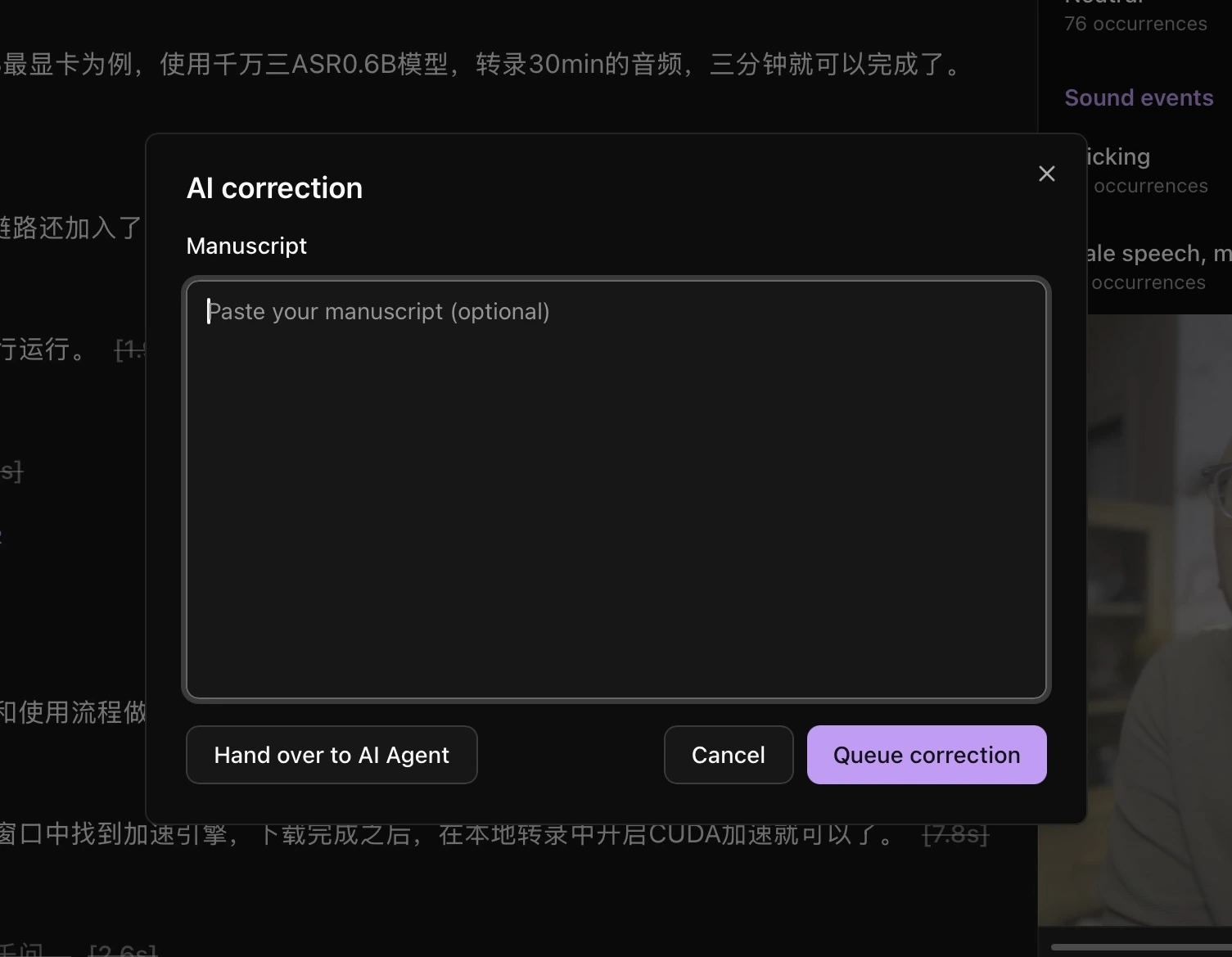
- Paste a reference manuscript if you have one, or leave the field empty.
- Queue the correction task and wait for it to finish.
- When a correction review opens for the current file, check the proposed replacements. Select the changes you want and apply them; deselect changes you do not accept.
The manuscript is a correction reference. Choose the supplier and model in Model API settings, or hand the task to an AI Agent. Activate HaoCut before using this feature.