
Remote transcription processes your media in the cloud without a local transcription model. Activate HaoCut first and keep an internet connection available.
- Open a file and click Transcribe.
- Enable Enable remote transcription and choose the media language.
- Enable speaker recognition and hotword replacement if needed.
- Click Execute and wait in Task queue.
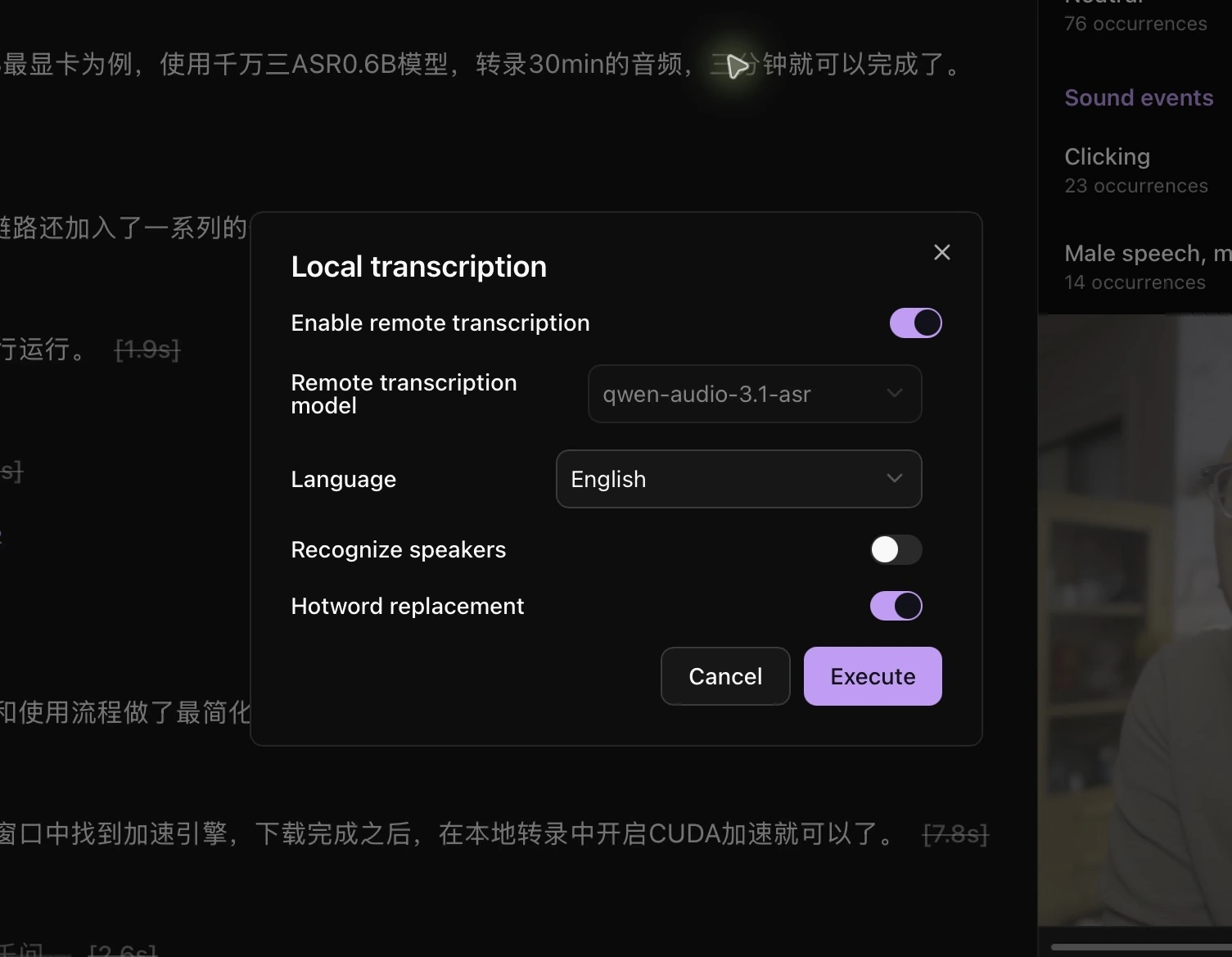
Return to the file to check the transcript. View or choose the remote model in Model API settings.
For multiple files, select indexed media and choose Batch operations → Batch transcription to open the same dialog.